
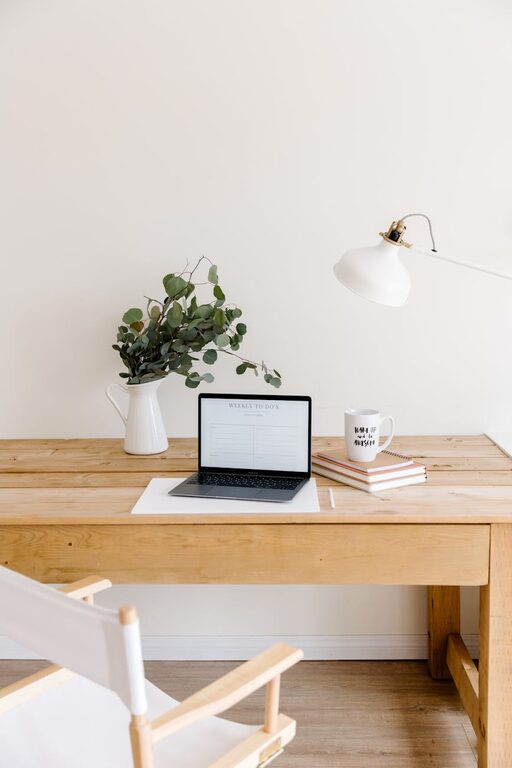
Creating a home office that feels both cozy and productive can make a significant difference in your daily work routine. Whether you work from home full-time or need a dedicated space for occasional tasks, a well-designed office boosts focus and reduces stress. This guide offers practical tips to help you turn any space into a comfortable and efficient work environment.
Choose the Right Location
Consider Natural Light
Selecting a spot with plenty of natural light can improve your mood and energy levels. Place your desk near a window if possible, but make sure to avoid screen glare by positioning your monitor perpendicular to the window.
Minimize Distractions
Look for a quiet area away from household noise and high-traffic zones. If space is limited, consider using room dividers or noise-canceling headphones to create a focused zone.
Invest in Comfortable Furniture
Ergonomic Chair
A good chair supports your back and encourages proper posture, helping to prevent discomfort during long hours of work. Look for adjustable features like seat height, lumbar support, and armrests.
Functional Desk
Choose a desk that fits your space and meets your workflow needs. If you prefer standing sometimes, consider height-adjustable desks to alternate between sitting and standing throughout the day.
Organize for Efficiency
Declutter Your Desk
Keep only essential items on your desktop to maintain a neat and inviting workspace. Use drawers or boxes to hide away supplies that aren’t used often.
Use Smart Storage Solutions
Incorporate shelves, filing cabinets, or wall organizers to keep documents and tools orderly. Label containers and folders to quickly find what you need.
Personalize Your Space
Add Comfort with Textiles
Soft rugs, cushions, or a cozy throw blanket can enhance comfort and make your office feel inviting. Choose colors and textures that help you relax and feel at ease.
Include Inspiring Decor
Wall art, plants, or photos can personalize your space and keep you motivated. Plants, especially, bring life and can improve air quality.
Optimize Lighting
Combine Ambient and Task Lighting
General overhead lighting provides overall brightness, while desk lamps focus light where you need it most. Choose adjustable lighting to reduce eye strain and set the right mood.
Choose the Right Bulbs
Use bulbs with a color temperature between 4000K and 5000K for a balanced, daylight-like effect that promotes alertness and reduces fatigue.
Manage Technology Wisely
Set Up Cable Management
Use clips, sleeves, or under-desk trays to keep cords organized and out of sight. This reduces clutter and makes cleaning easier.
Invest in Quality Equipment
Invest in dependable technology that supports your work, such as a responsive keyboard, a clear webcam, and reliable internet accessories.
Establish Boundaries and Routine
Create a Work Schedule
Set specific start and end times to separate work from personal life, helping you stay productive and avoid burnout.
Define Office Hours to Others
Communicate your work hours to family or roommates to minimize interruptions and respect your dedicated workspace.
Maintain a Healthy Environment
Keep Air Fresh
Open windows regularly or use an air purifier to ensure good air flow. A fresh environment can increase focus and comfort.
Take Breaks
Incorporate short breaks into your routine to stretch, rest your eyes, and refresh your mind, improving overall productivity.
—
By carefully planning your home office with these tips, you can create a space that not only feels warm and welcoming but also supports your daily work and creativity. Experiment with different arrangements and elements until you find the balance that works best for you. A cozy, productive home office is within reach with a little effort and thoughtful design.